OpenAI Codex CLI
Install OpenAI Codex CLI and connect it to a legally authorized MAX API deployment.
Project Introduction
Codex CLI is a local terminal coding agent from OpenAI.
- Official Homepage: https://chatgpt.com/codex
- Project Repository: https://github.com/openai/codex
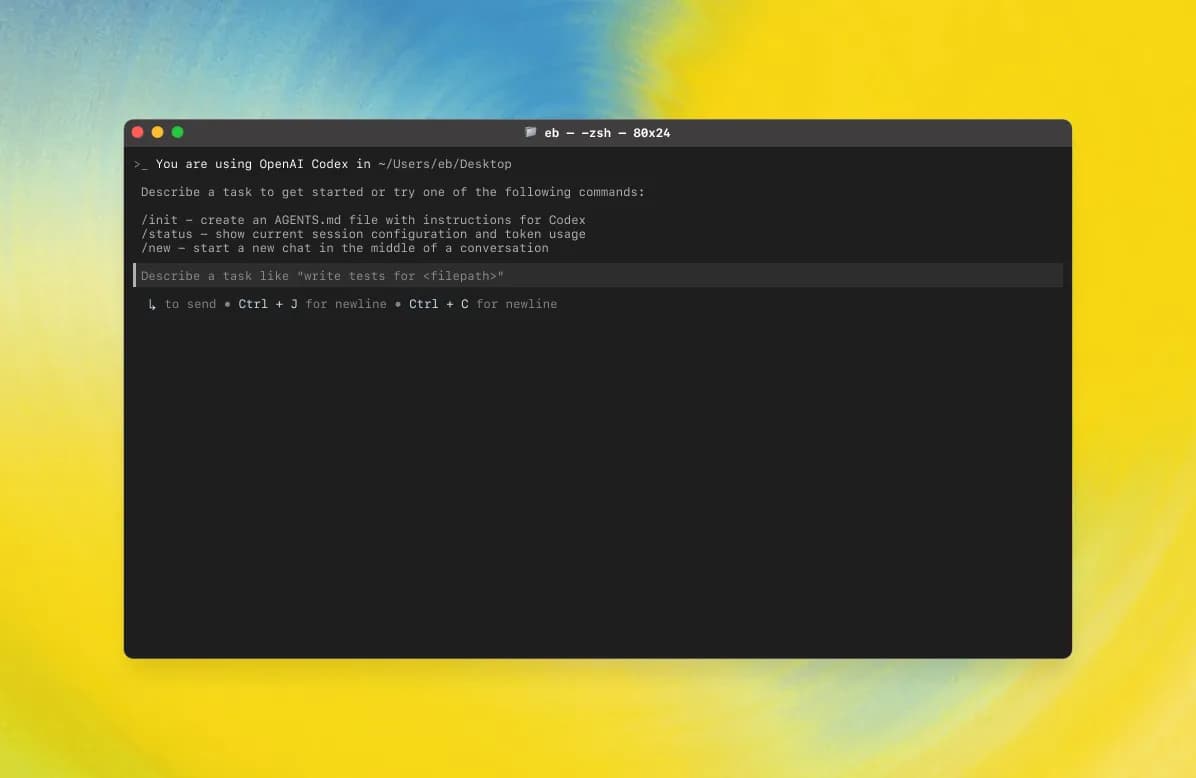
Demo
Capabilities
| Category | Capability |
|---|---|
| Terminal coding assistant | Edit code, generate patches, and run commands from a terminal workflow. |
| Tool-driven workflow | Uses structured tools for file edits, shell commands, planning, and parallel execution. |
| Reviewable changes | Generates patch-style edits that are easier to audit and revert. |
| Sandbox and approval controls | Supports controlled execution policies for file writes and command/network access. |
| Project-aware operation | Works inside an existing repository and can follow local conventions and tests. |
Connect Codex CLI to MAX API
Use your own MAX API deployment, or a MAX API service whose operator has legitimate upstream authorization and compliance obligations. Do not connect production work to unknown API addresses or keys.
Before configuring Codex CLI, prepare:
- MAX API Base URL:
https://<your-max-api-domain>/v1 - MAX API key:
sk-your-max-api-key - A model exposed by your MAX API instance
Codex CLI configuration formats can change between releases. Use the configuration entry provided by your installed Codex CLI version, and set its OpenAI-compatible endpoint to the MAX API Base URL above.
No Bundled Helper Script
This documentation does not ship a remote one-click setup script. Review and set the API address and key yourself instead of executing unknown scripts from a URL.
Windows
1. Install WSL2
For the best Windows experience, install Windows Subsystem for Linux:
wsl --installRestart Windows after installation, then open WSL.
2. Install Node.js
Install Node.js in WSL. One common approach is NVM:
curl -o- https://raw.githubusercontent.com/nvm-sh/nvm/master/install.sh | bash
nvm install 22
3. Install Codex CLI
npm i -g @openai/codex
codex --version
4. Configure MAX API
Open the Codex CLI configuration entry for your installed version and set:
API Base URL: https://<your-max-api-domain>/v1
API Key: sk-your-max-api-key
Model: a model exposed by your MAX API instance
5. Start Codex CLI
cd /mnt/c/path/to/your/project
codex
macOS and Linux
1. Install Node.js
Install Node.js using your preferred package manager or NVM.
node --version
npm --version
2. Install Codex CLI
npm install -g @openai/codex
codex --version
3. Configure MAX API
Set the Codex CLI API address and key to your own MAX API endpoint:
API Base URL: https://<your-max-api-domain>/v1
API Key: sk-your-max-api-key
Model: a model exposed by your MAX API instance
4. Start Codex CLI
cd /path/to/your/project
codex
Safety Notes
- Use only your own MAX API deployment or a provider that has clear upstream authorization.
- Do not paste production keys into untrusted shells, installers, or websites.
- Review generated code changes before applying them.
- Run the relevant tests and formatters for your project after edits.
How is this guide?
Claude Code
Claude Code configuration guide — use Anthropic's terminal-based coding agent with MAX API. Supports code understanding, multi-file editing, and IDE integration.
Factory Droid CLI
Factory Droid CLI setup guide — install and configure this AI software engineering agent with MAX API. Supports end-to-end development from planning to testing.